When you have a license on both data centers, you will be asked after logging in which location you want to visit. Once you are logged in and want to access modules from the other location, you can have both open at the same time.
How do I know which hosting location I am using?
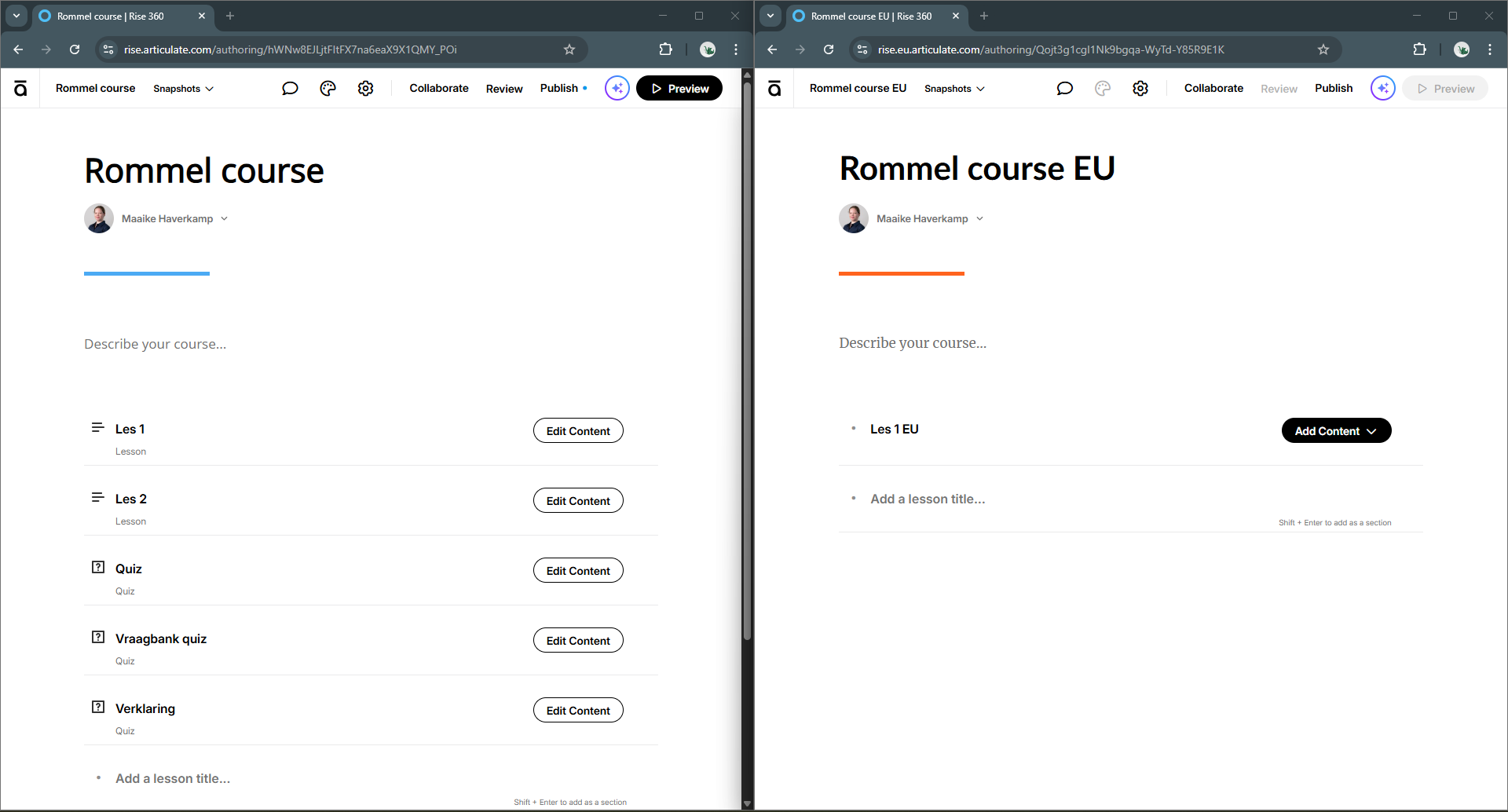
You can see this in the URL in your browser:
- EU hosting: the URL contains “eu”, for example
https://[app].eu.articulate.com - US hosting: the URL does not contain “eu”, for example
https://[app].articulate.com
How do I switch between the two servers?
While working, you may want to keep your reference environment available while also working on the new server. You can be logged in to different servers in two separate browser windows. You can open the respective servers via the correct URL:
- https://rise.articulate.com/ for the US server
- https://rise.eu.articulate.com/ for the EU server
Was this article helpful?
That’s Great!
Thank you for your feedback
Sorry! We couldn't be helpful
Thank you for your feedback
Feedback sent
We appreciate your effort and will try to fix the article